Bring your own library
Import from Files or connect a supported private FolioSpace Library, Calibre-Web, or Komga library.
 FolioSpaceReader
App Store
FolioSpaceReader
App Store
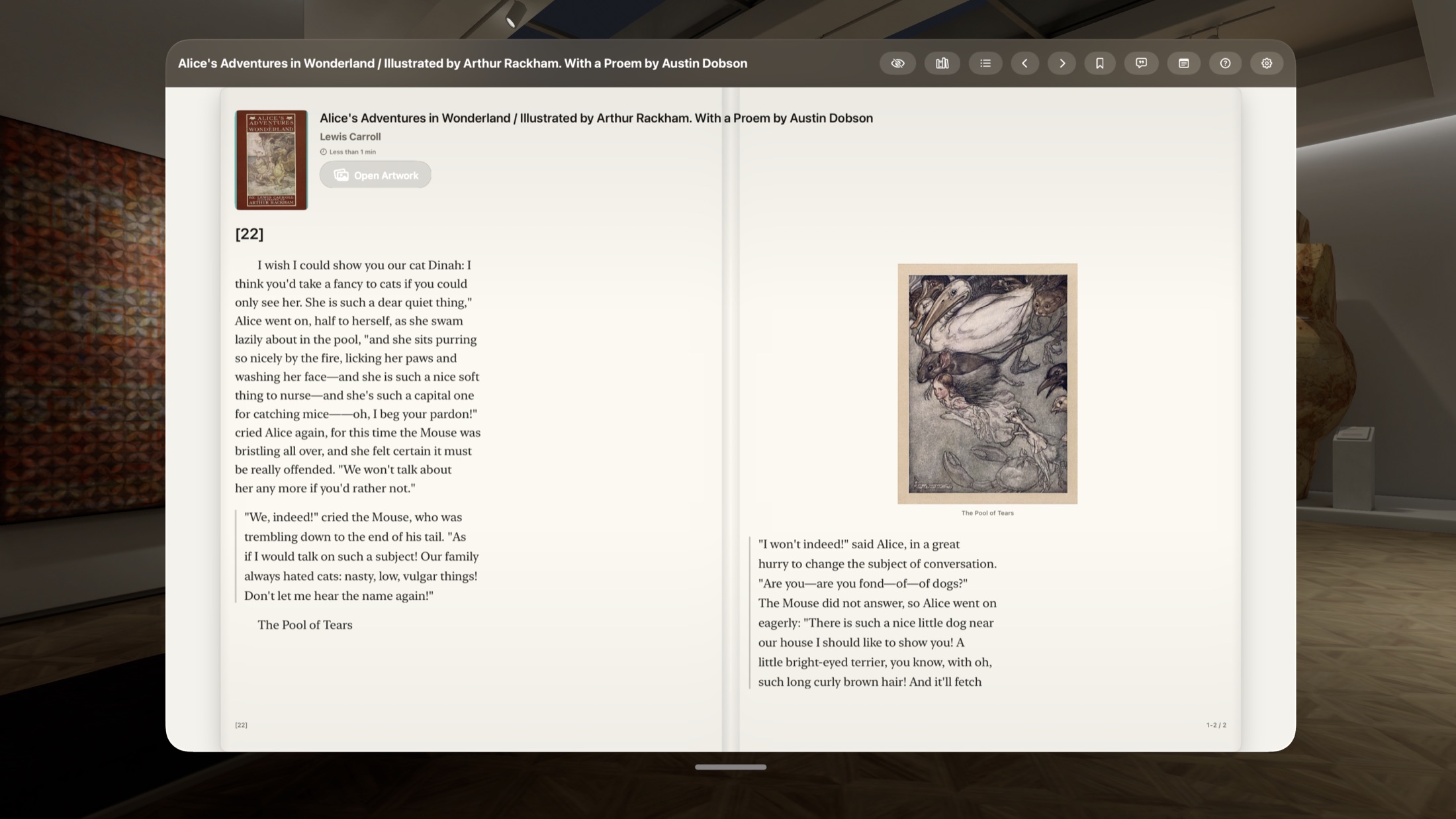
Reader for iPhone, iPad, and Apple Vision Pro
Build your reading room in space.
打造你在空间里的书房
Read your own EPUB books, PDFs, comics, and webtoons wherever you are. Unlimited local books are free, and FolioSpace Library is an optional self-hosted source when you want the same collection across devices.
The short answer
FolioSpace Reader is a native iPhone, iPad, and Apple Vision Pro app for personal EPUB, PDF, CBZ, ZIP, and webtoon reading. Import files directly, keep them available offline, or optionally connect one FolioSpace Library server without giving up the free core reader.
iPhone and iPad
Import books from Files, download titles from your optional private server, and keep reading offline. Books, PDFs, comics, and webtoons open in a focused full-screen reader on iPhone and iPad.
A study, not a stage set
FolioSpace Reader does not ask you to arrange a simulated shelf before you can read. Open a book, place the window at a comfortable distance, choose the page scale and sound you want, then let the controls recede.
Import from Files or connect a supported private FolioSpace Library, Calibre-Web, or Komga library.
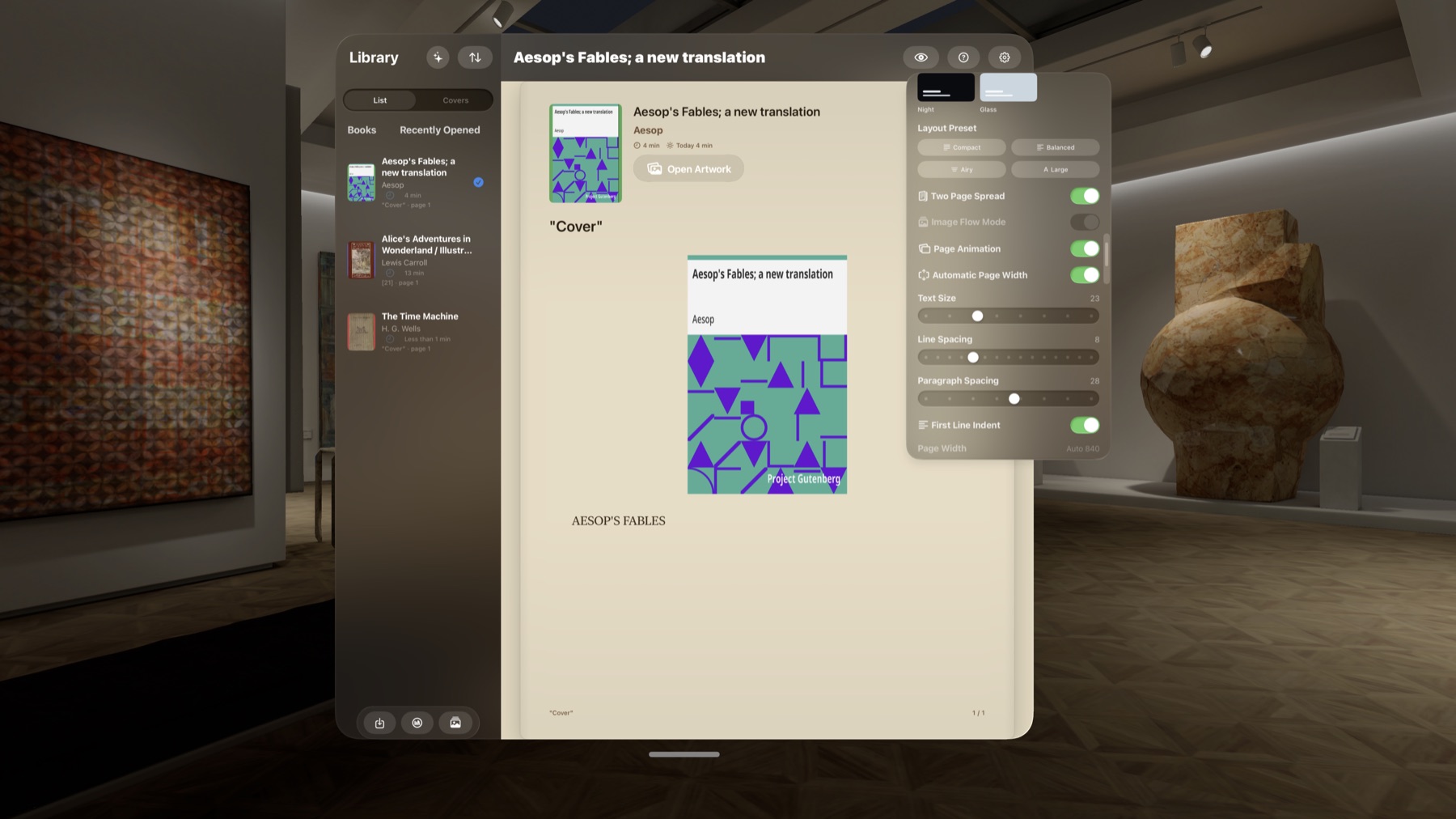
Use a generous page, a two-page spread, Focus Mode, or a smaller physical-scale Mini Book.
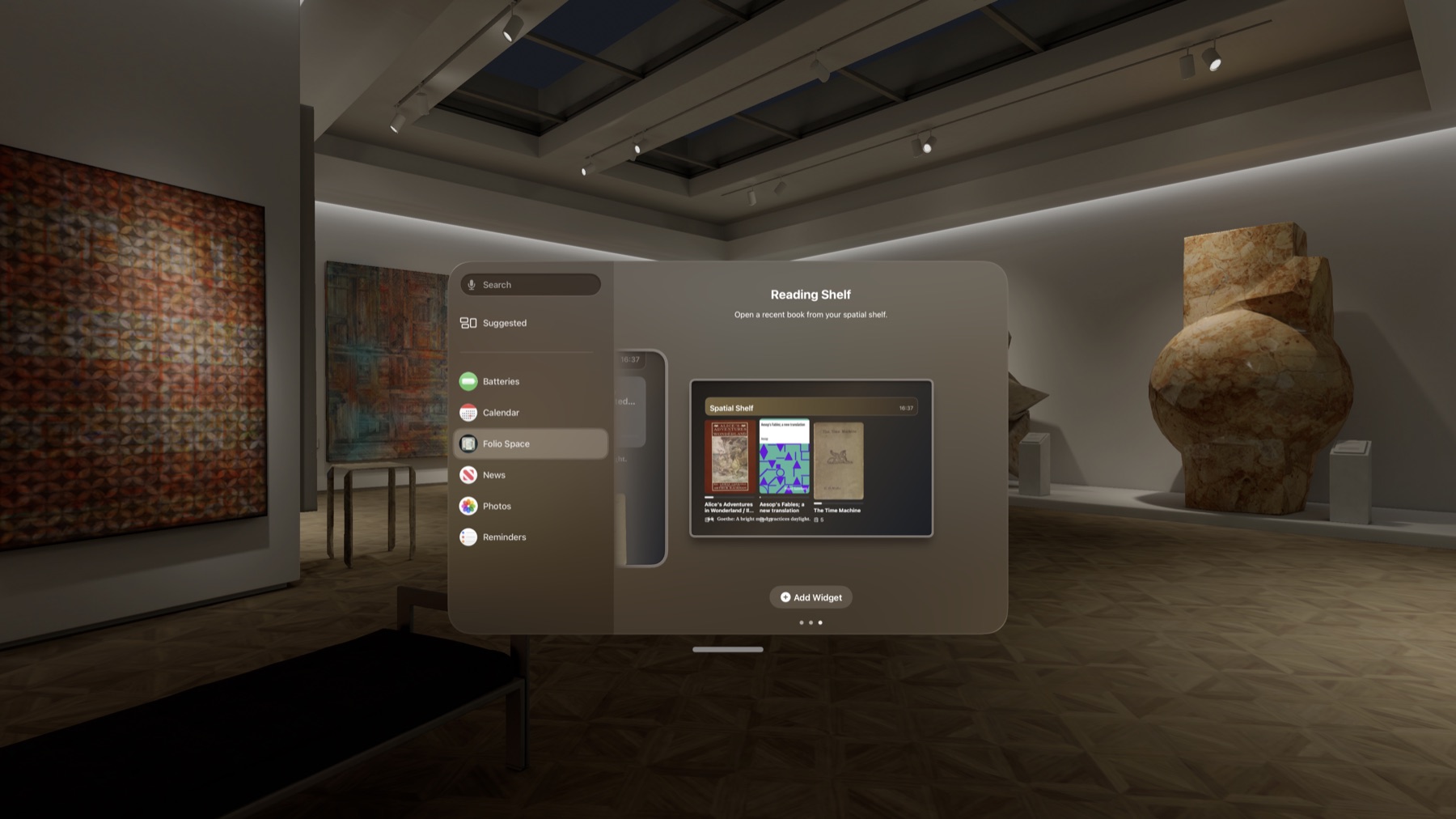
Reading progress, bookmarks, reading time, and recent books remain part of the reading surface.
Vision Pro · Pro experiment
Mini Book Mode presents the book as a smaller, physical-scale reading object instead of filling a large floating window.
It reduces the preferred reading window, keeps the page proportions compact, and adds subtle page-stack and cover-edge details. The goal is not to model a decorative 3D book; it is to make a quiet object that feels natural to hold in your field of view.
Select the gear button while a book is open.
Mini Book Mode appears for users with FolioSpace Reader Pro.
Use the dedicated exit control when you want the larger reading surface again.
A room can have a sound
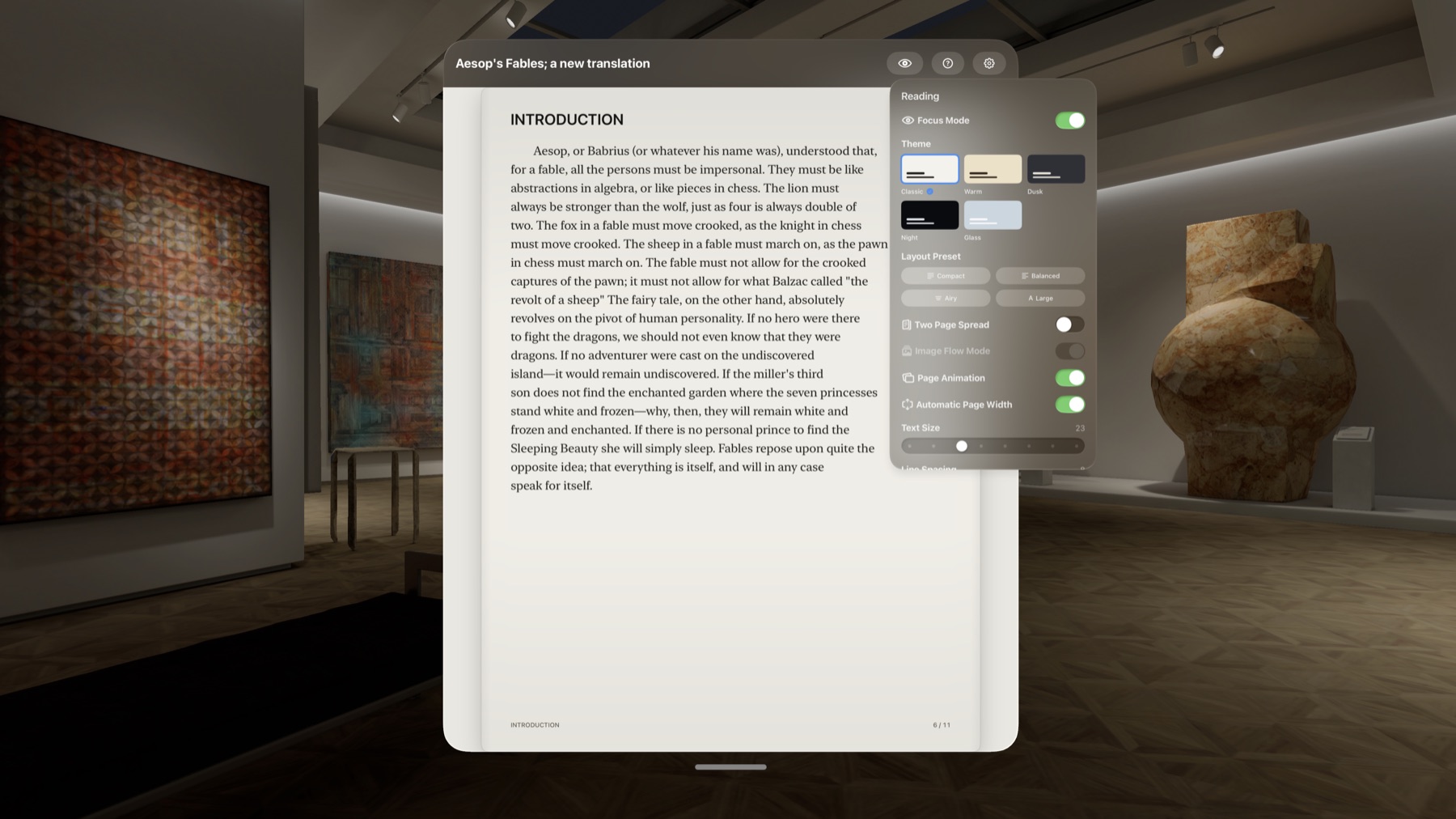
Choose a soundscape and volume inside Reader Settings. FolioSpace Reader generates the audio on the device; it does not need to stream a long audio track.
You can also jump to Apple Music when you want your own reading playlist.
Assistive page controls
A thin control on the left or right receives focus.
Activate the focused control to turn one page.
The control stays secondary to the page.
Important: this is an accessibility-focused control mode, not eye-only page turning.
Reading tools
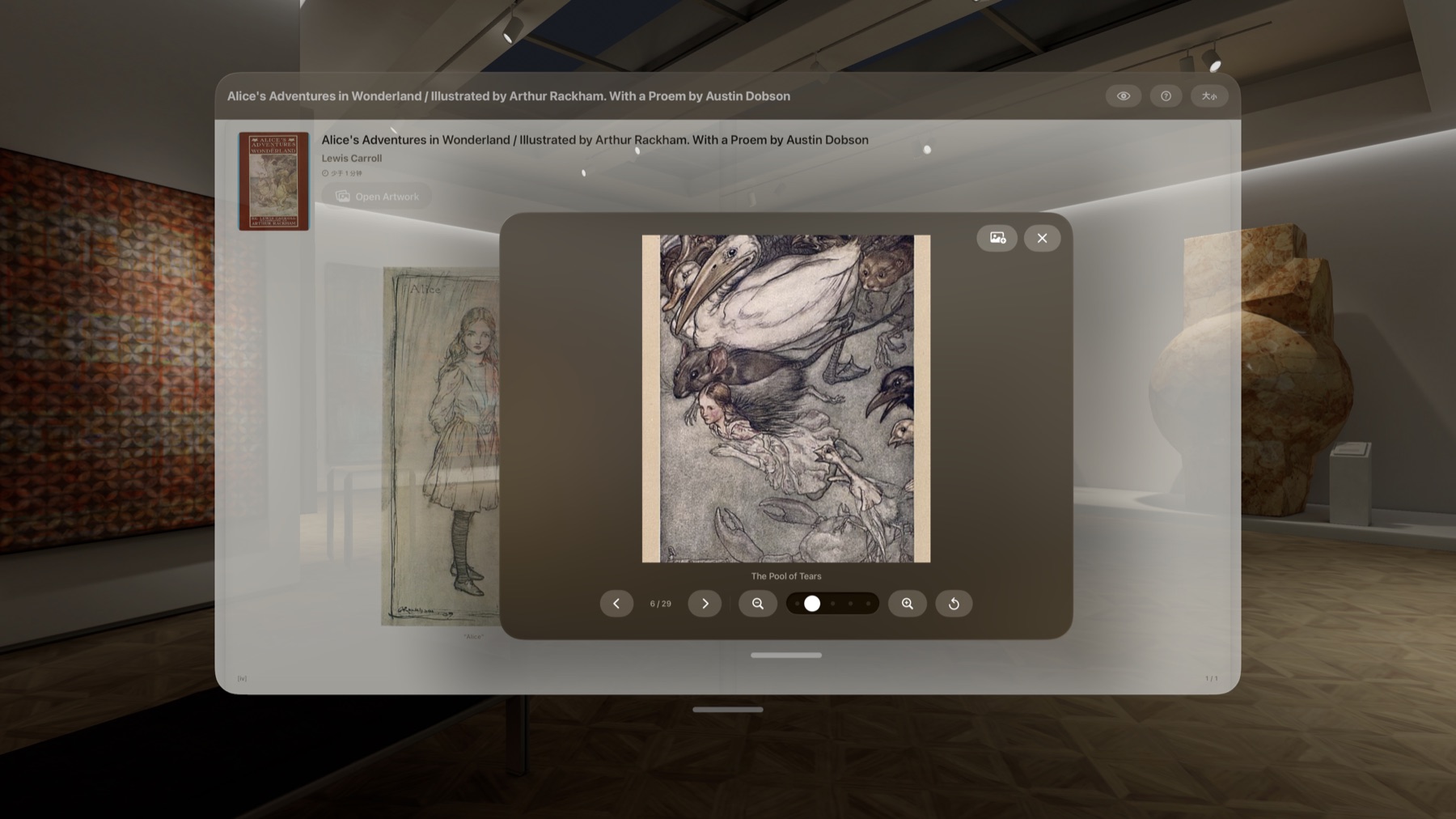
Focus Mode hides surrounding chrome. Layout presets, text size, line spacing, paragraph spacing, first-line indent, page width, and themes let each book settle into a readable shape. Long-press an illustration to open it in a dedicated viewer.
Your books, your files
Reflowable books with chapters, typography controls, footnotes, covers, and inline illustrations.
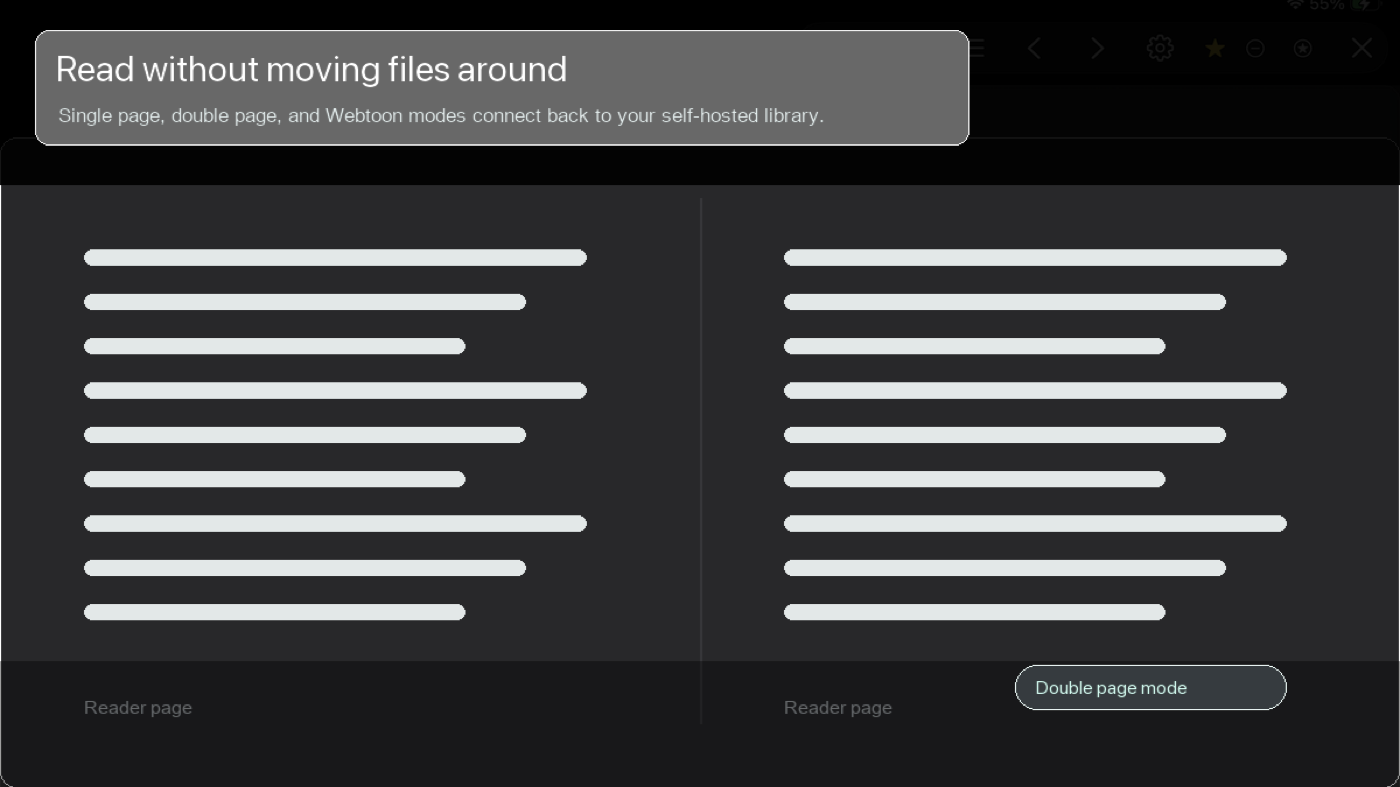
Documents and illustrated books with single-page, two-page, full-screen, and page-jump controls.
Image-based comics with page-fit choices, two-page spreads, and long-scroll reading.
Import with Files or connect supported FolioSpace Library, Calibre-Web, and Komga sources you control.
Direct answers
It is a Pro reading experiment that presents the Vision Pro reading surface as a smaller, physical-scale book-like object. Enable it in Reader Settings under Experimental.
No. Assistive Page Controls use gaze to focus a side control, then require a pinch or visionOS Dwell Control to activate the page turn.
No. Rain, waves, brown noise, pink noise, forest, fireplace, cafe, and Zen Temple soundscapes are generated locally on the device.
The reader opens full screen. Tap the center region of the page to show or hide the controls; the outer page-turn areas remain available for navigation.
No. FolioSpace Reader is a reading app and self-hosted library client for files and private services that you control. It does not bundle or distribute reading content.
No. Import supported files directly and read unlimited local books for free. FolioSpace Library is optional when you want a self-hosted NAS or Docker source shared across devices.
The free edition includes unlimited local books, core reading, bookmarks, notes, progress, offline downloads, and one saved FolioSpace Library server. Pro is a one-time purchase that adds advanced page effects, the full ambient sound collection, multiple libraries, Calibre-Web and Komga connections, Markdown notes export, and Vision Pro features such as Mini Book Mode.
FolioSpace Reader
Read unlimited local books for free. Unlock advanced reading and library tools with one optional Pro purchase.